
How to Remove the Background from a Baby Photo
Every parent has the photo: the perfect expression, ruined by a cluttered couch, laundry, or a dim hallway behind the baby. Cutting the baby out and giving the shot the backdrop it deserved used to be a Photoshop skill; now it's one tap.
Here's what works, what fails, and how to get a clean cutout even with baby hair — the hardest test for any background remover.
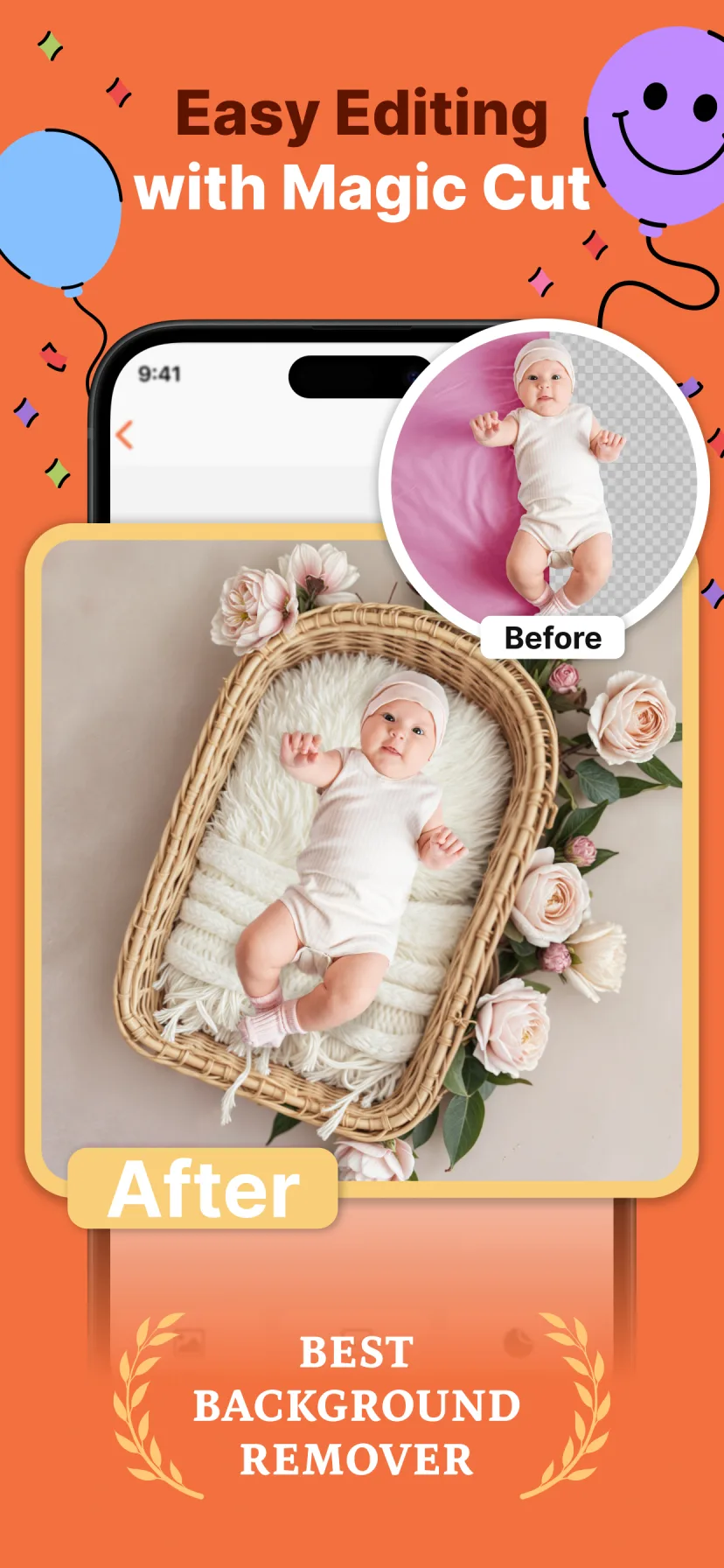
Why baby photos are hard for background removers
Generic background erasers struggle with exactly what baby photos have most: fine wispy hair, soft blanket edges, chubby fingers gripping fabric, and low-contrast scenes (a pale baby on a pale sheet). Tools tuned for product shots or adult portraits leave halos or shave off the hair entirely.
Miracle's Magic Cut is trained for this specific job — babies, blankets, baskets and all — which is why parents rate it as the best background remover for baby pictures.
Replace, don't just remove
A transparent PNG is a means to an end. What you actually want is a better scene behind your baby. The workflow that produces frame-worthy results is remove-and-replace: lift the baby out, then place them into a backdrop with matching tones and soft studio light.
Miracle skips the two-tool dance: choose a theme (100+ backdrops from cozy nests to Paris landmarks), and the cutout, placement and blending happen together automatically.
Tips for a cleaner cutout
Give the AI its best chance:
- ✦ Contrast helps: a dark blanket under a fair-haired baby (or vice versa)
- ✦ Even light — avoid half-shadow across the baby
- ✦ Get closer: the more pixels on the baby, the finer the hair detail
- ✦ Avoid motion blur: burst mode, then pick the sharpest frame

How to do it with Miracle
- 1
Pick the photo with the best expression
Ignore the background entirely — that's the point.
- 2
Choose any backdrop theme
Newborn nests, seasonal scenes, AI landmark backgrounds — whatever fits the moment.
- 3
Magic Cut removes the background automatically
The AI keeps hair detail and soft edges, then blends your baby into the new scene.
- 4
Fine-tune and export
Add stickers or text if you like, then save in HD.
Free to download · 4.5★ on the App Store
Frequently asked questions
What is the best background remover for baby photos?
A remover trained on baby photos specifically. Miracle's Magic Cut handles wispy baby hair and blanket edges that generic tools miss, and replaces the background with a studio backdrop in the same tap.
Can I remove a background from a baby photo for free?
Miracle is free to download and try. Generic free tools work for simple scenes but typically fail on fine hair and produce halos around soft edges.