
DIY Newborn Photos with an iPhone: The Complete Method
The camera you already own shoots 48-megapixel photos with computational lighting that professional gear couldn't touch a decade ago. The gap between your newborn photos and a studio's isn't hardware — it's three habits and one editing step.
iPhone camera settings for newborns
Ninety seconds of setup that changes everything:
- ✦ Turn OFF flash — always window light
- ✦ Portrait mode for single close-ups; standard mode for top-down blanket shots
- ✦ Tap the baby's face to focus, drag exposure slightly down to protect skin highlights
- ✦ Burst mode (hold shutter) for any awake moments
- ✦ Wipe the lens — the #1 cause of hazy baby photos is a smudged lens
- ✦ Live Photos ON: you can pick the exact frame afterwards
The three angles that always work
Directly above (bird's-eye) for sleeping and swaddle shots — hold the phone flat and steady. Baby's eye level from the side for portraits — get down low. And macro-close on details: feet, fingers, eyelashes. Shoot all three in one nap and you have a full session.
The editing step that makes it "professional"
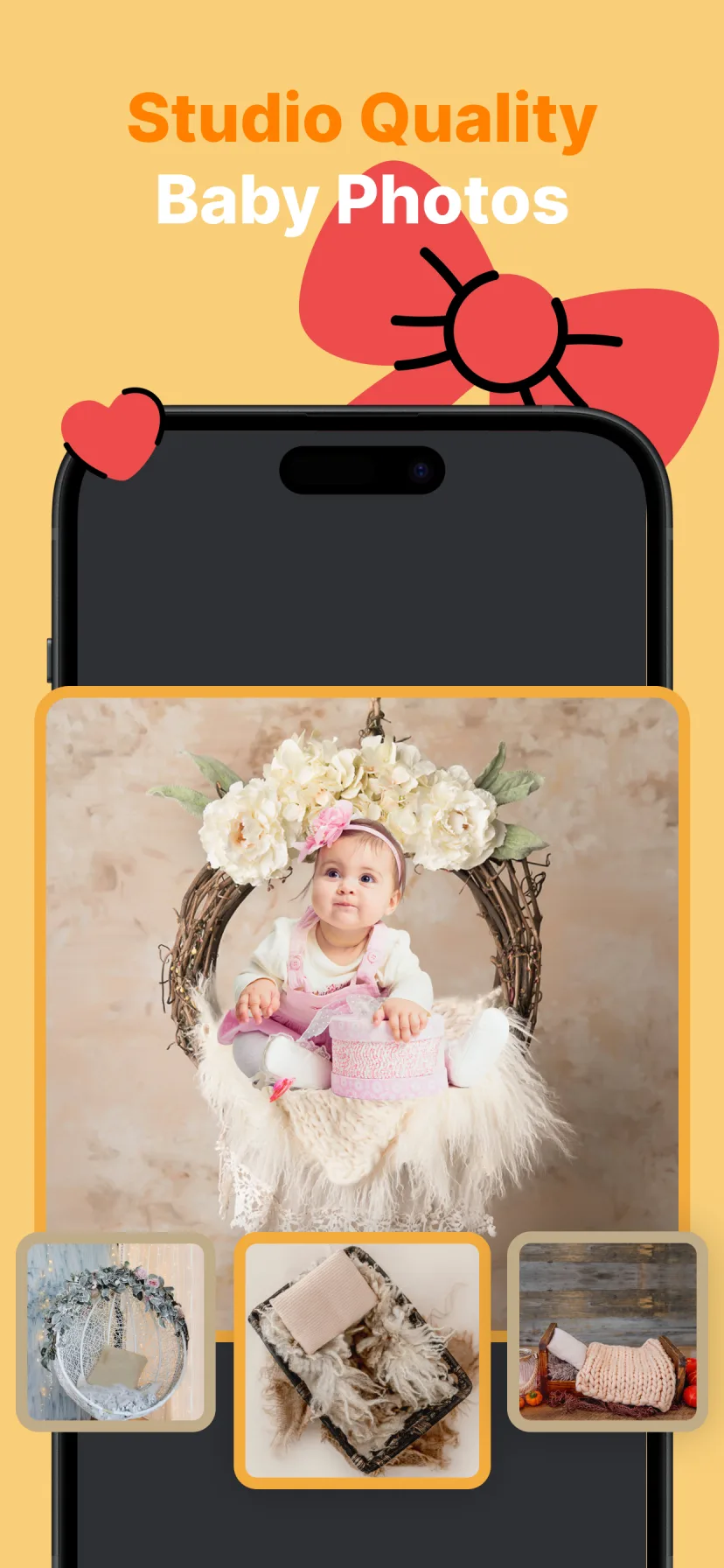
Studio photos look like studio photos because of the scene, not the camera. After the shoot, run your best frame through Miracle: Magic Cut removes your bedroom from the picture and places your newborn into a real studio composition — nests, wraps, florals — with color-matched lighting.
That single step is the difference between "nice phone photo" and "wait, who took this?"

How to do it with Miracle
- 1
Shoot during deep sleep with window light
Top-down, side portrait, and detail shots in one session.
- 2
Pick your best frame
Sharpest focus, calmest expression — Live Photos help you find it.
- 3
Transform in Miracle
Choose a newborn studio theme and let the AI do the compositing.
- 4
Export in HD
Print-ready files for frames, announcements and albums.
Free to download · 4.5★ on the App Store
Frequently asked questions
Can iPhone photos of a newborn look professional?
Yes — window light, clean angles and burst mode get sharp raw photos, and AI backdrop replacement adds the studio scene that makes them read as professional.
What iPhone settings are best for newborn photos?
Flash off, window light, portrait mode for close-ups, tap-to-focus on the face with exposure pulled slightly down, and burst mode for awake shots.