 Miracle Miracle
 ★★★★★ 4.5 · loved by parents everywhere
Turn everyday baby photos into studio-quality milestone portraits — newborn scenes, monthly cards, announcement art. No photoshoot, no props, no stress.
Free to download · Private by design · photos never used to train AI
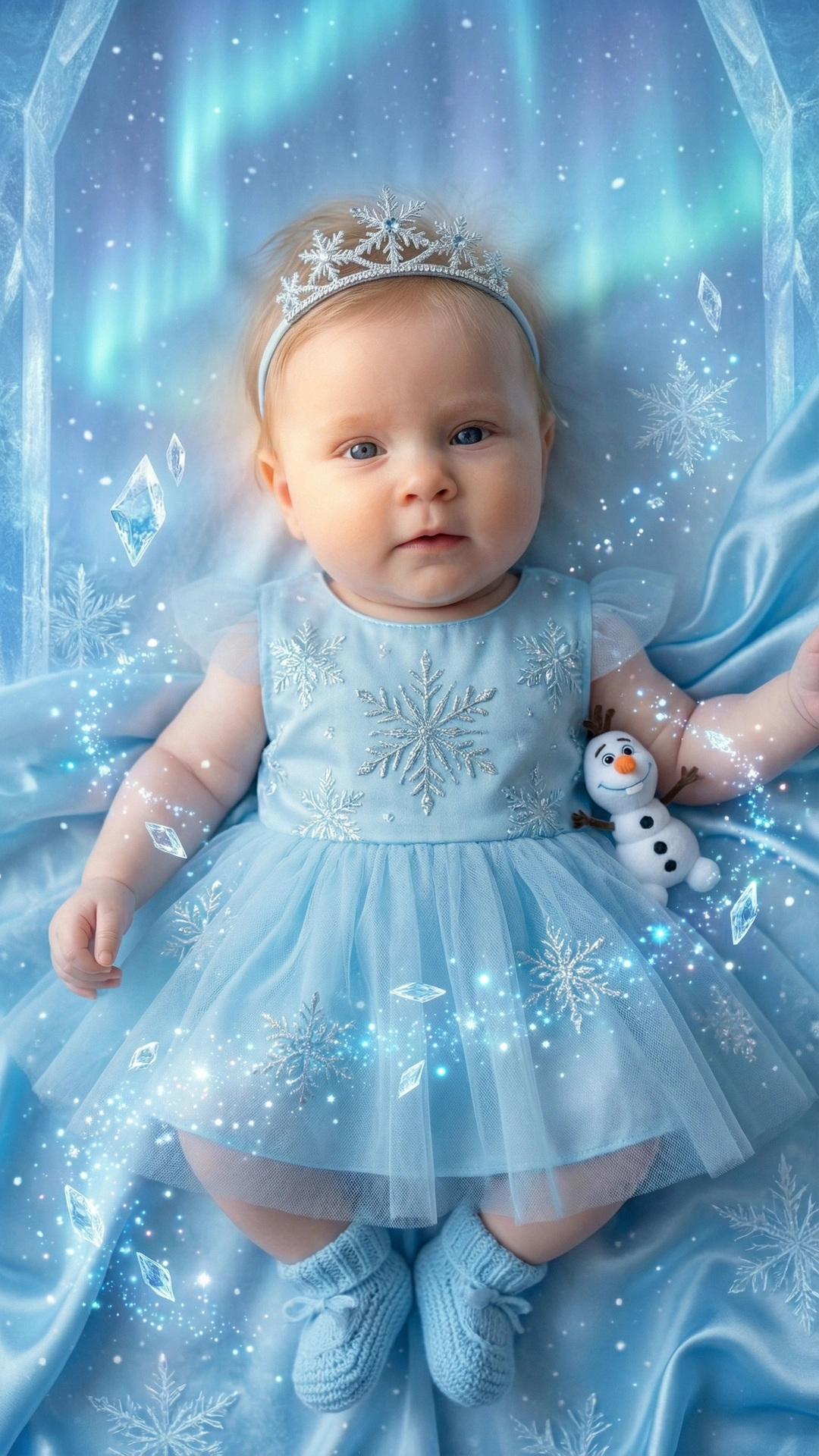
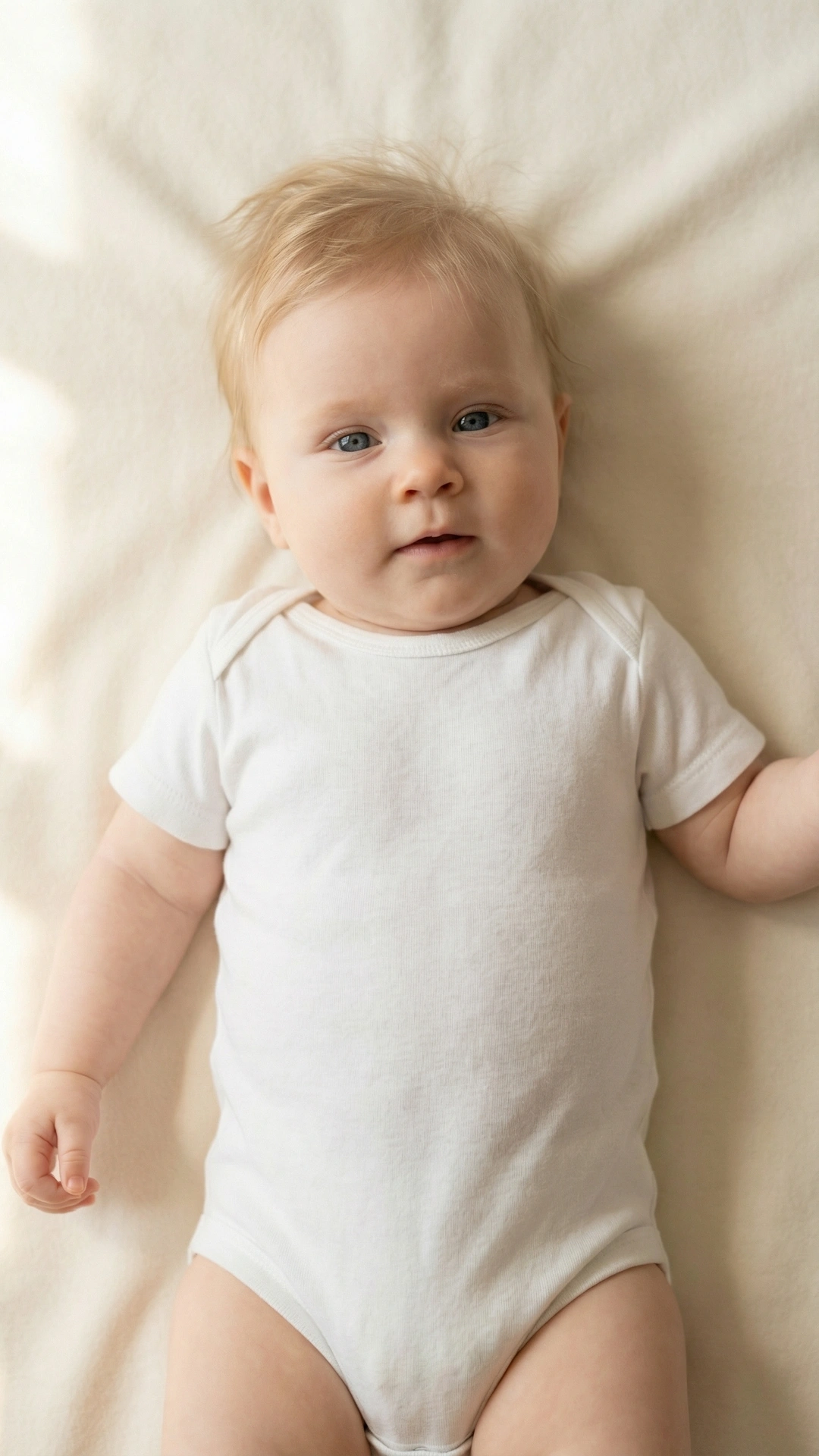
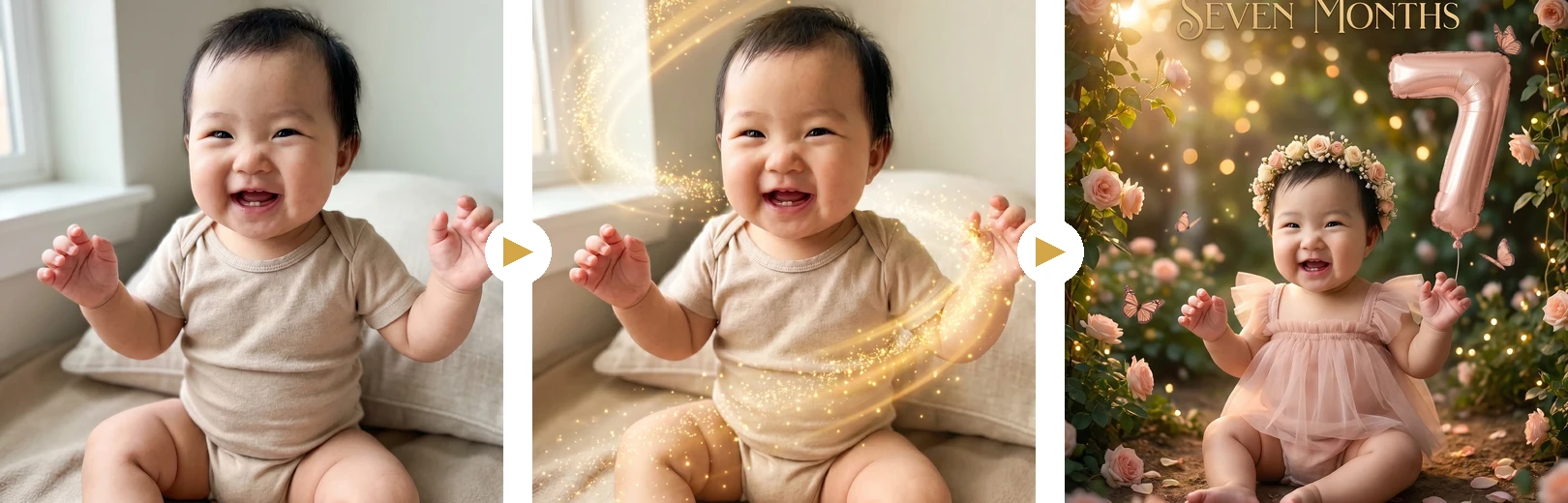
drag to see the magic ✨


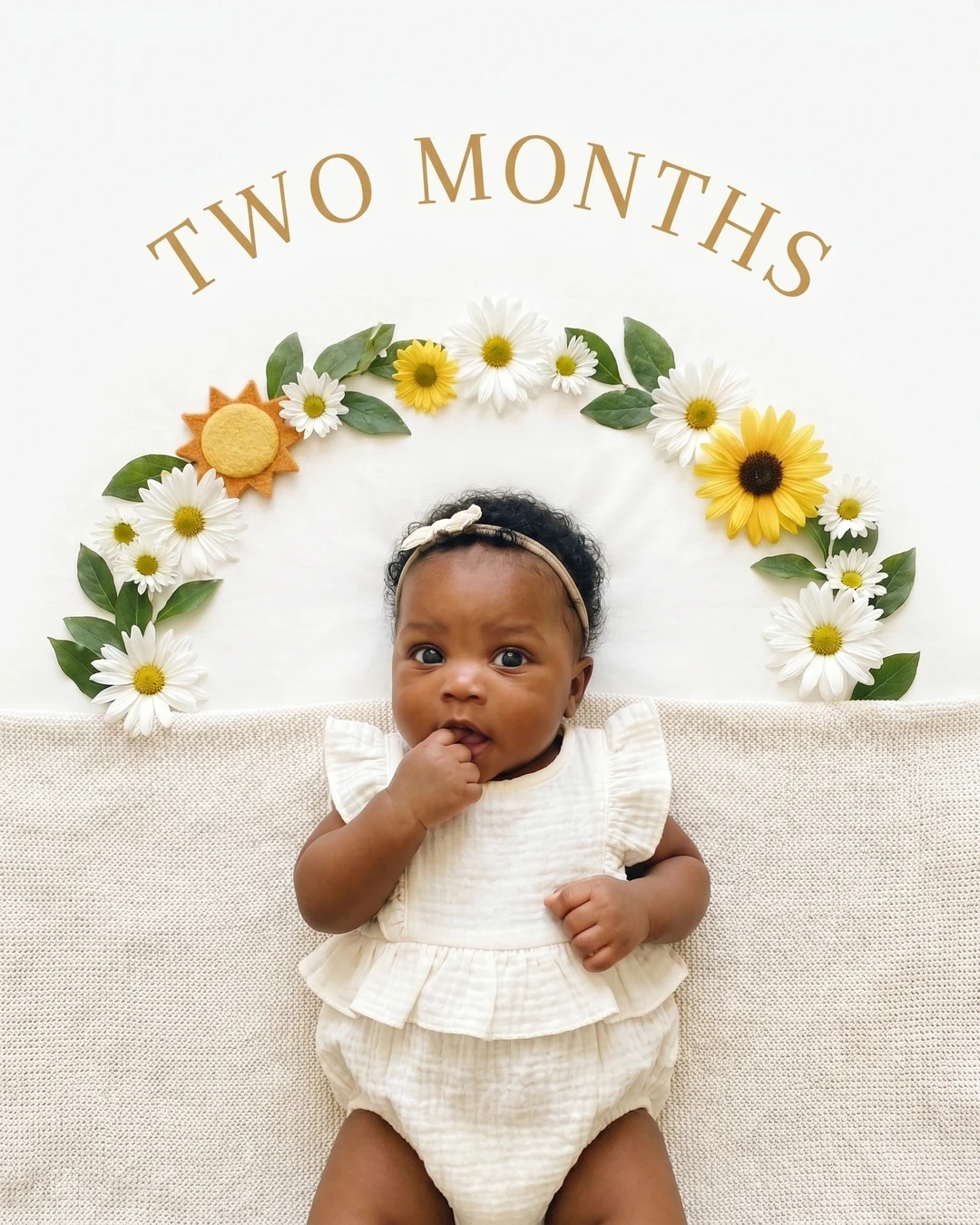



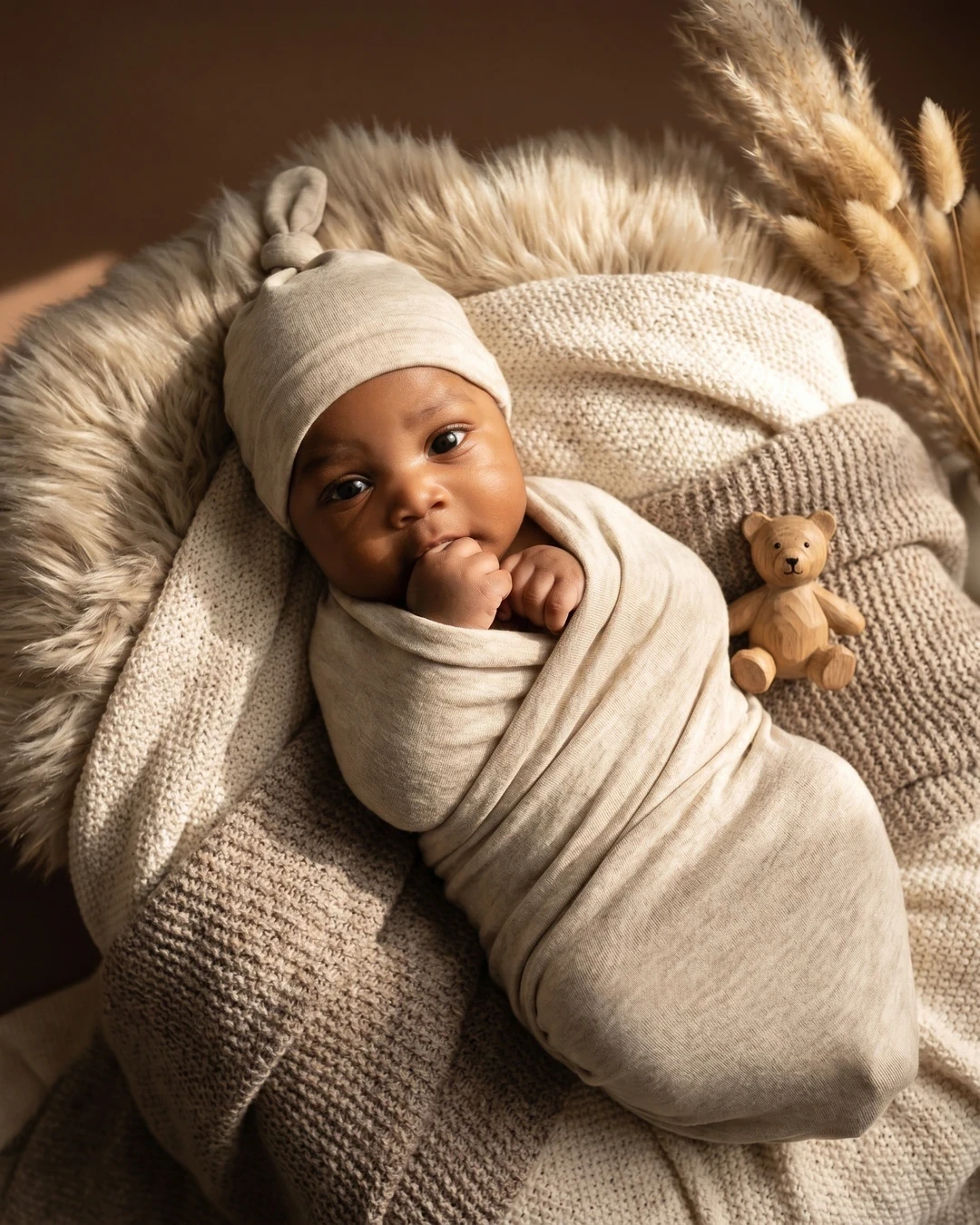
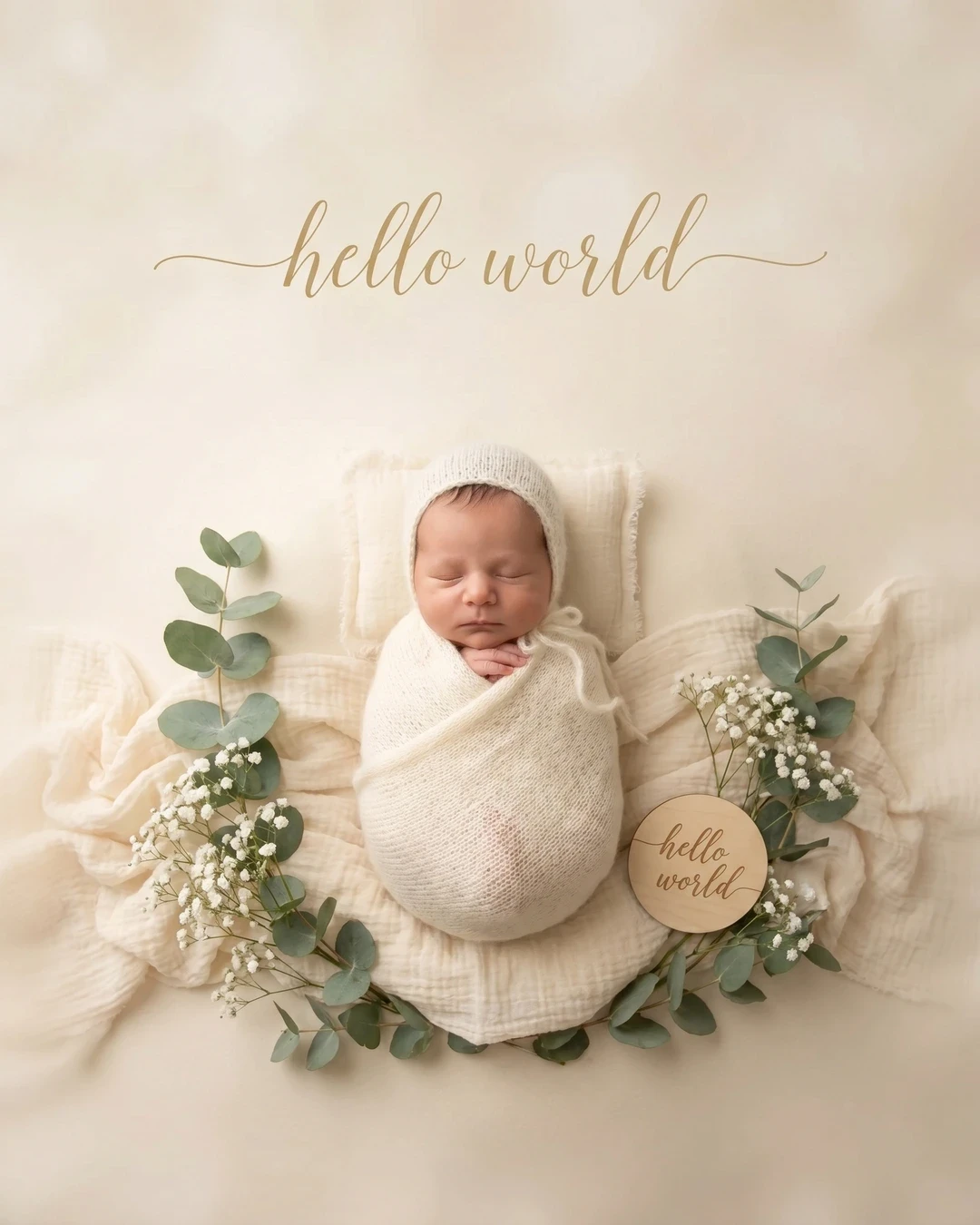

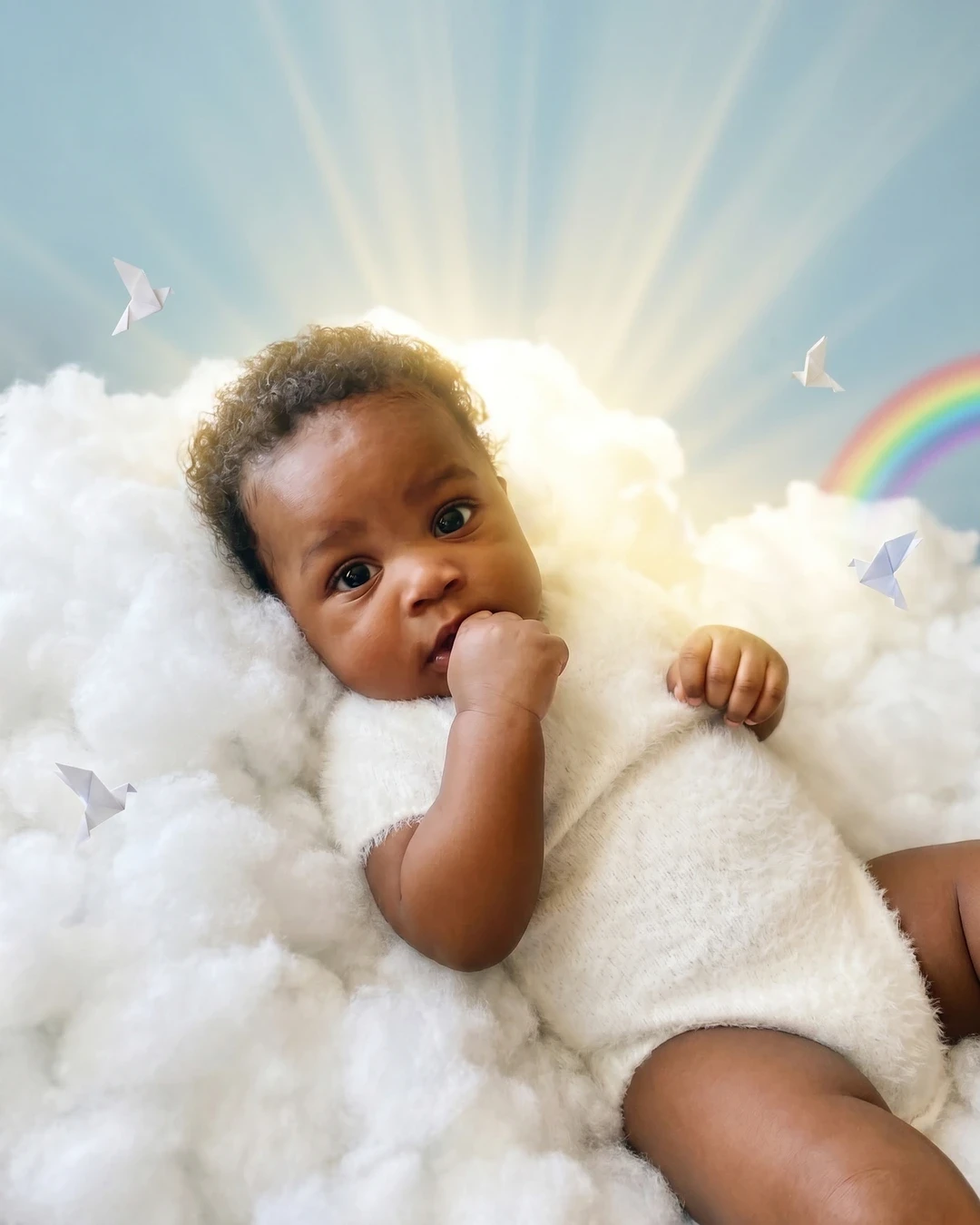
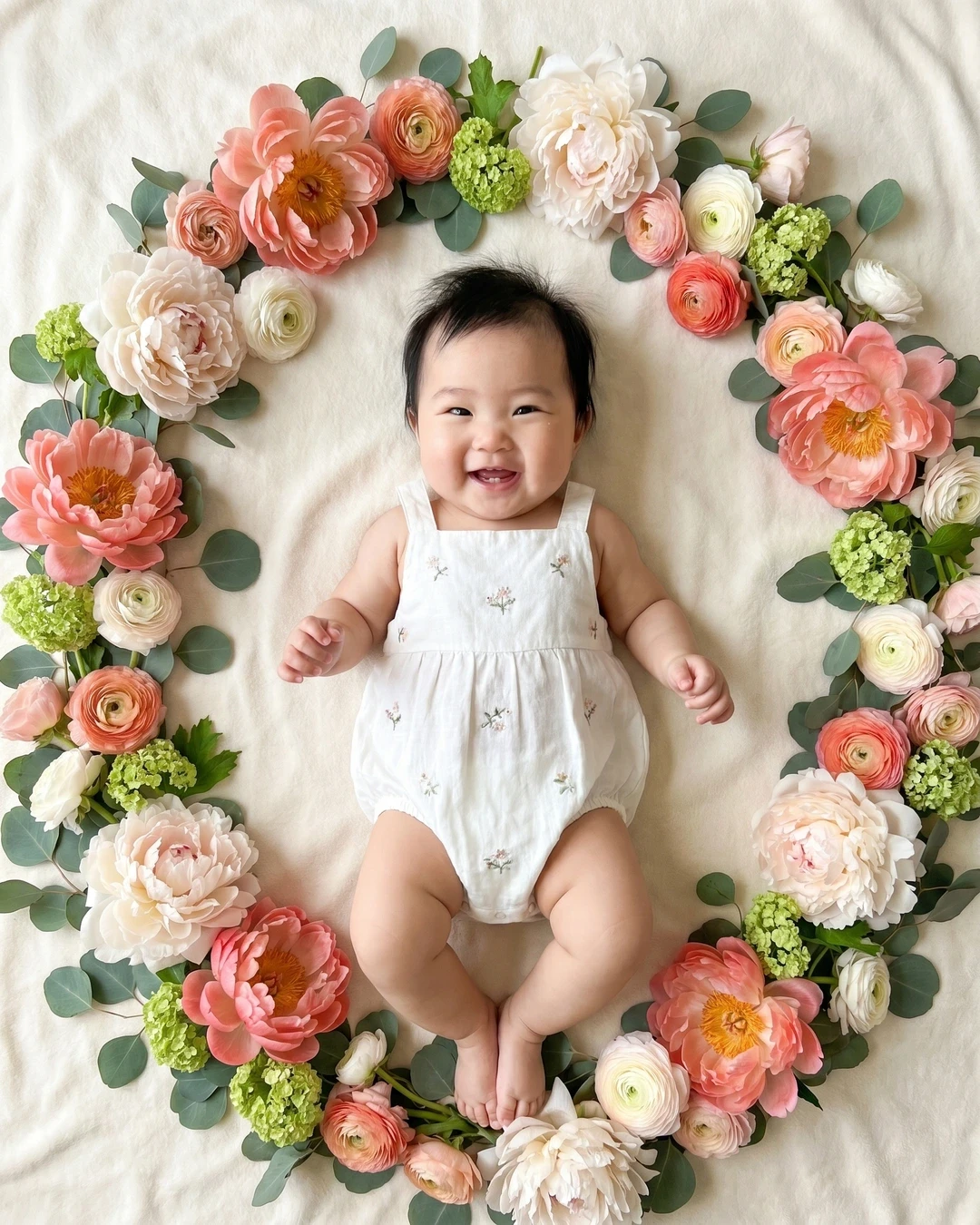
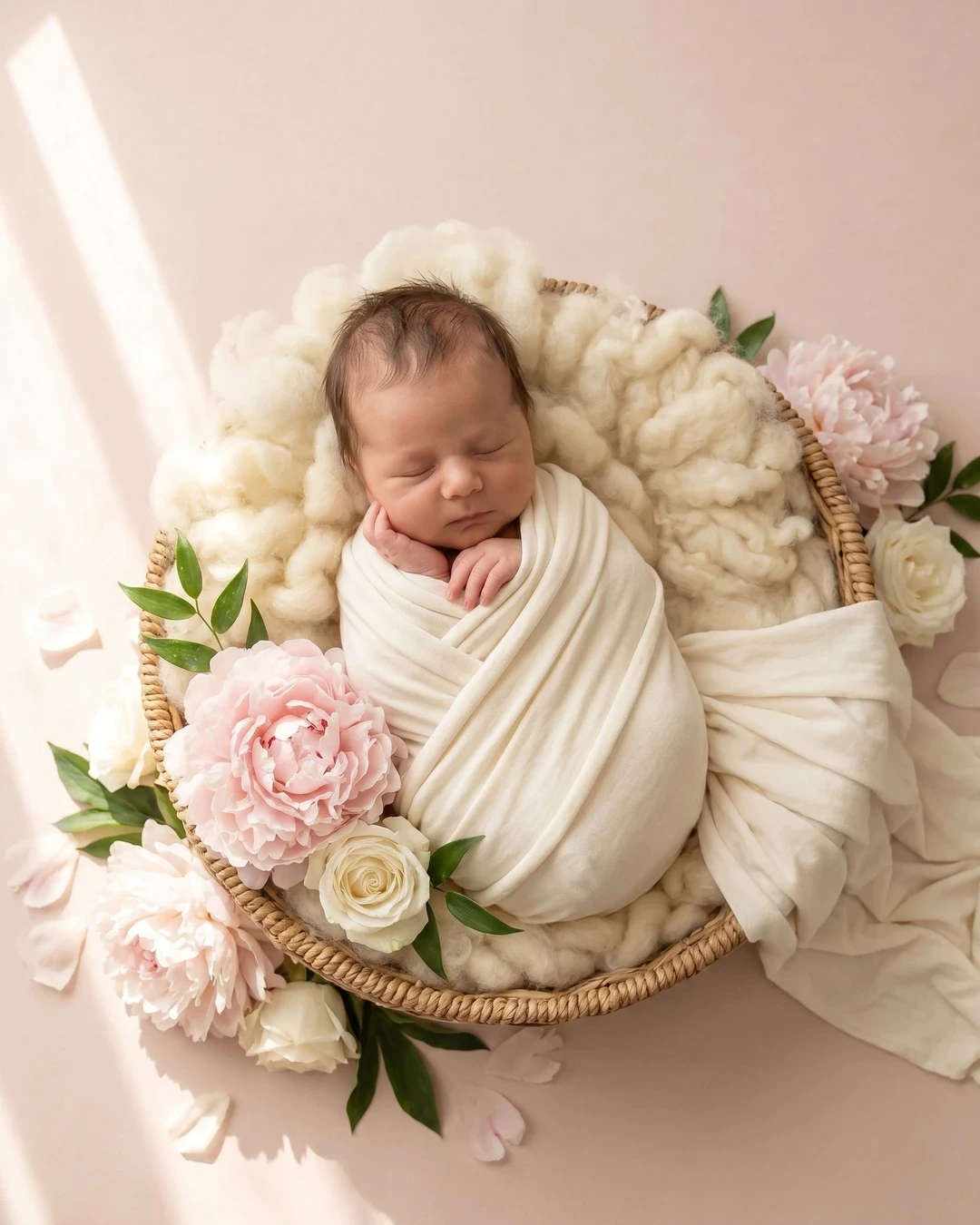
A nap photo, a couch photo — the ones already on your phone. No photoshoot, no props.
Monthly milestone cards, newborn nests, seasonal scenes, announcement art — 100+ templates.
Magic Cut swaps the background automatically. HD, print-ready portraits in about 30 seconds.
Milestone cards, AI backgrounds, seasonal backdrops and the background remover parents call the best for baby photos.
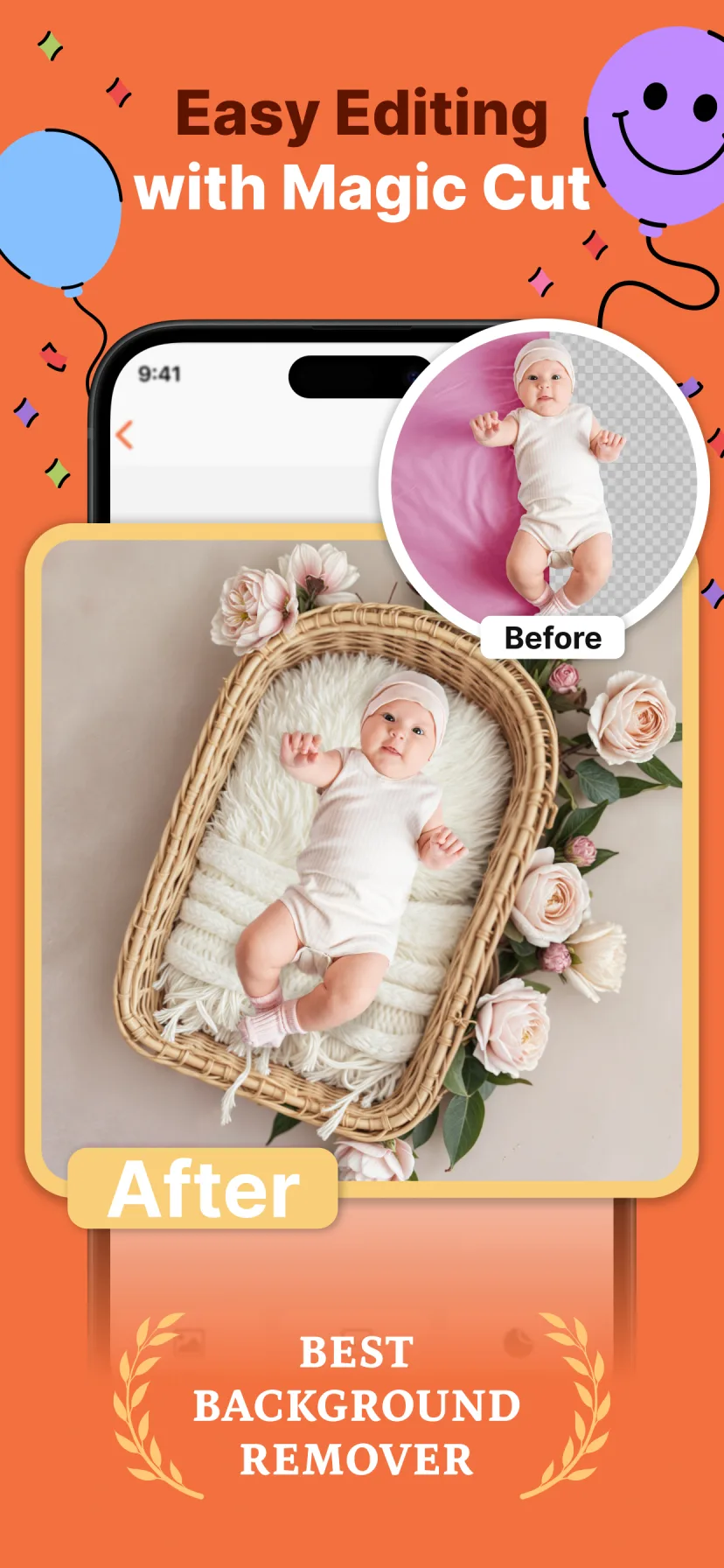
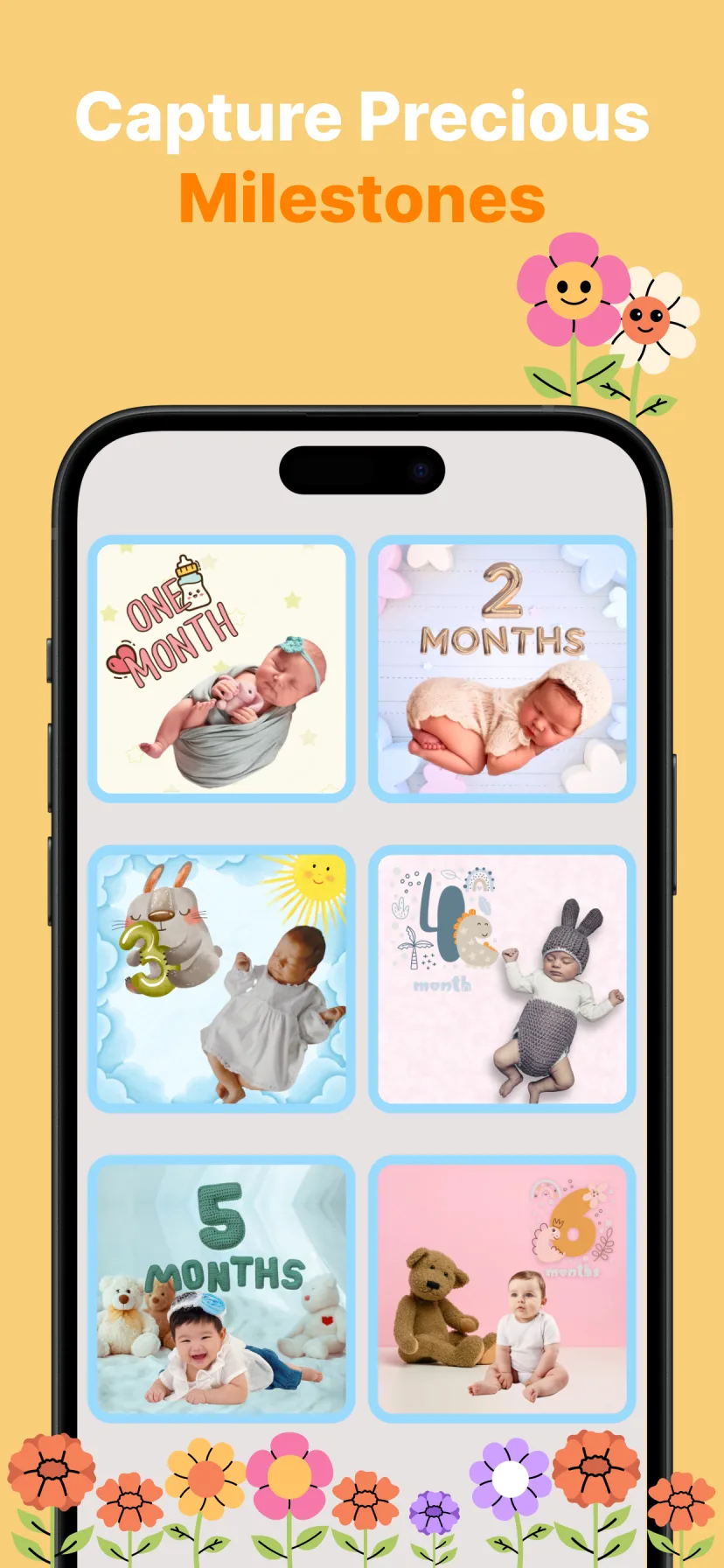
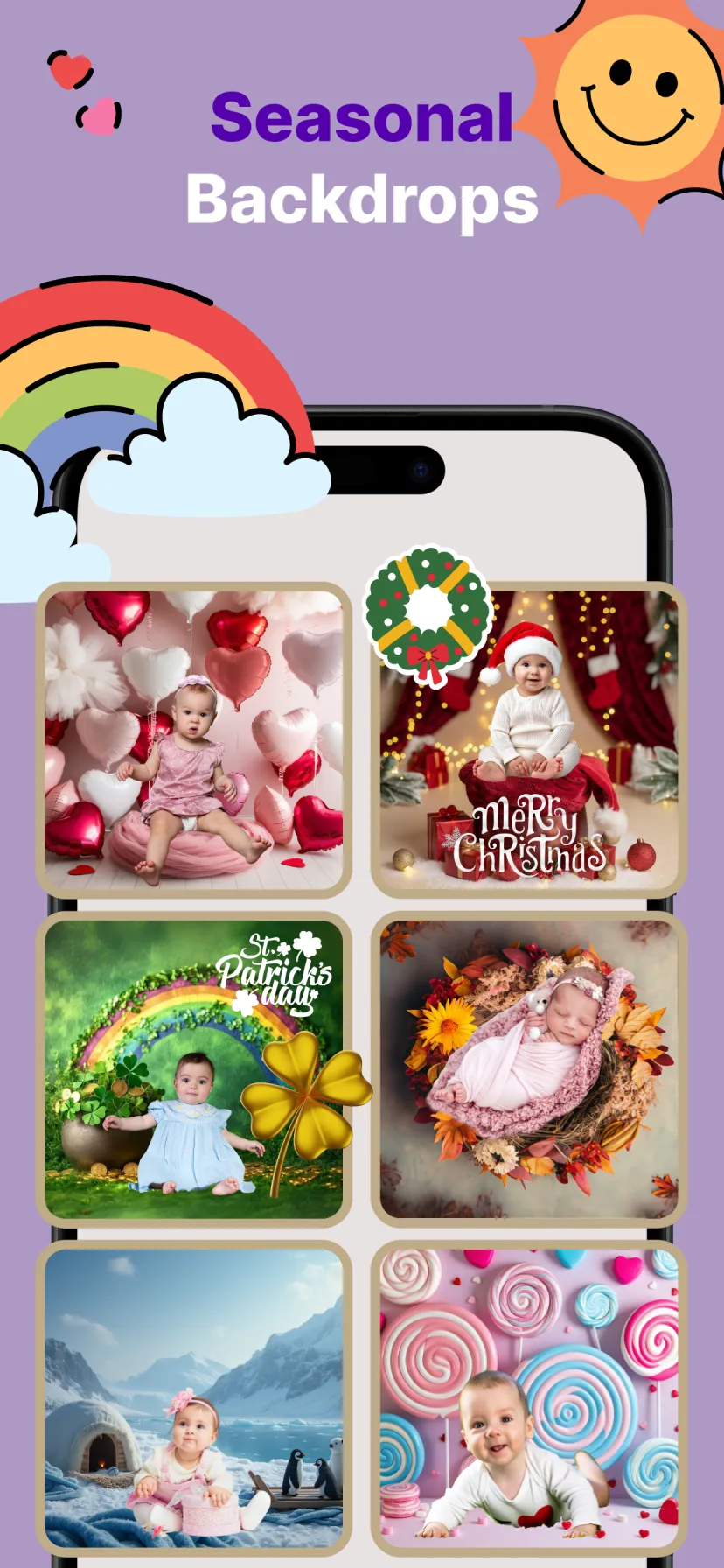
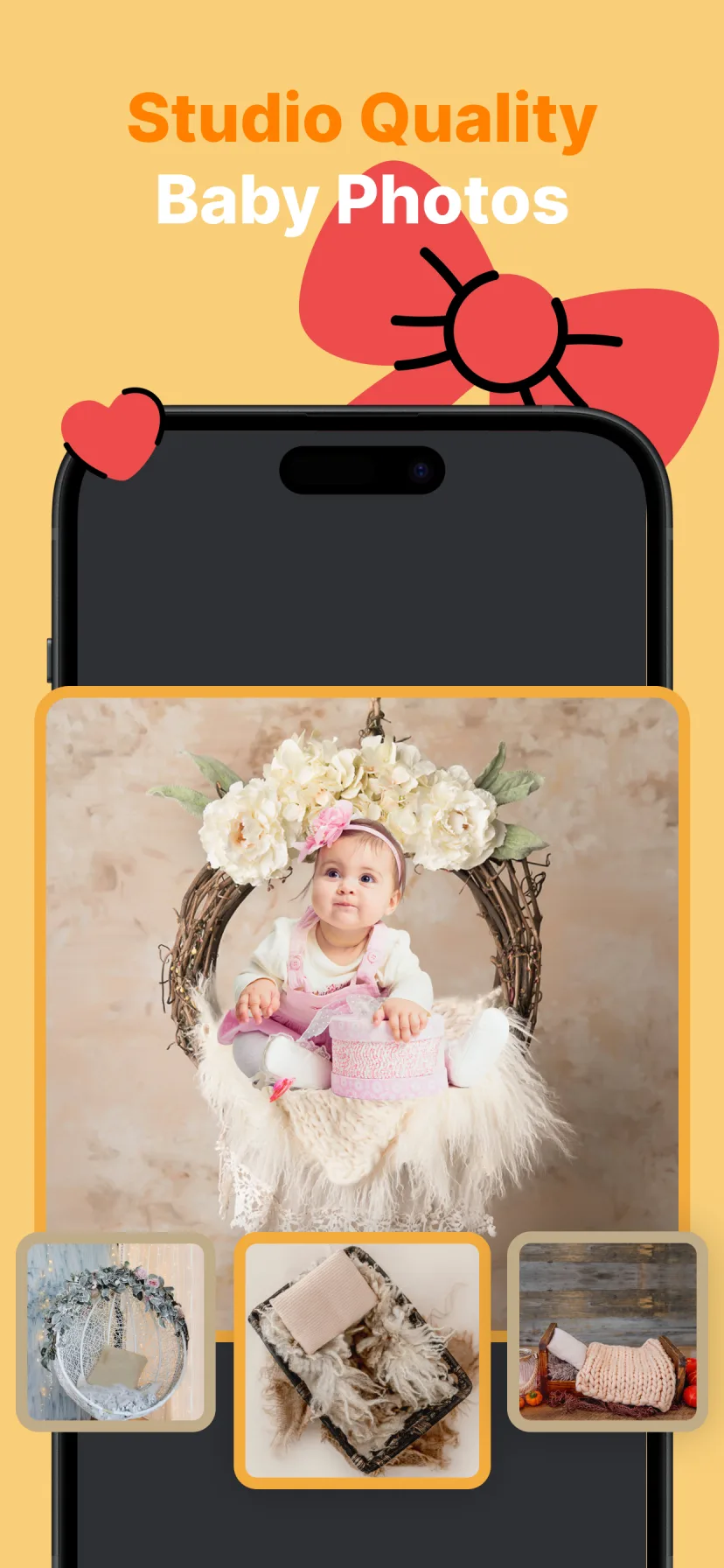
Magic Cut keeps wispy hair and soft blanket edges that generic tools miss — then blends your baby into the new scene with matched lighting.
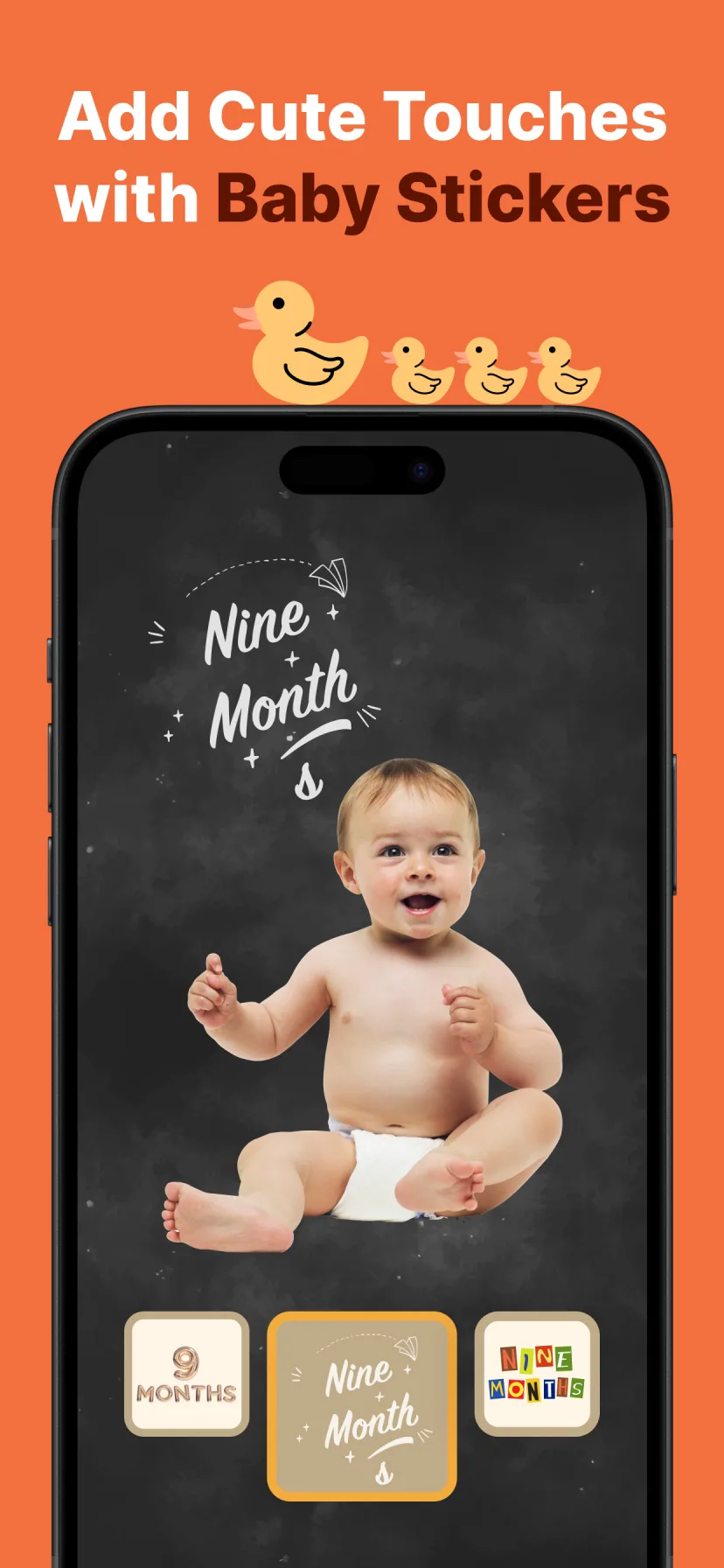
Coordinated templates for months 1–12, pregnancy weeks and every first — so the whole journey looks like one beautiful series.
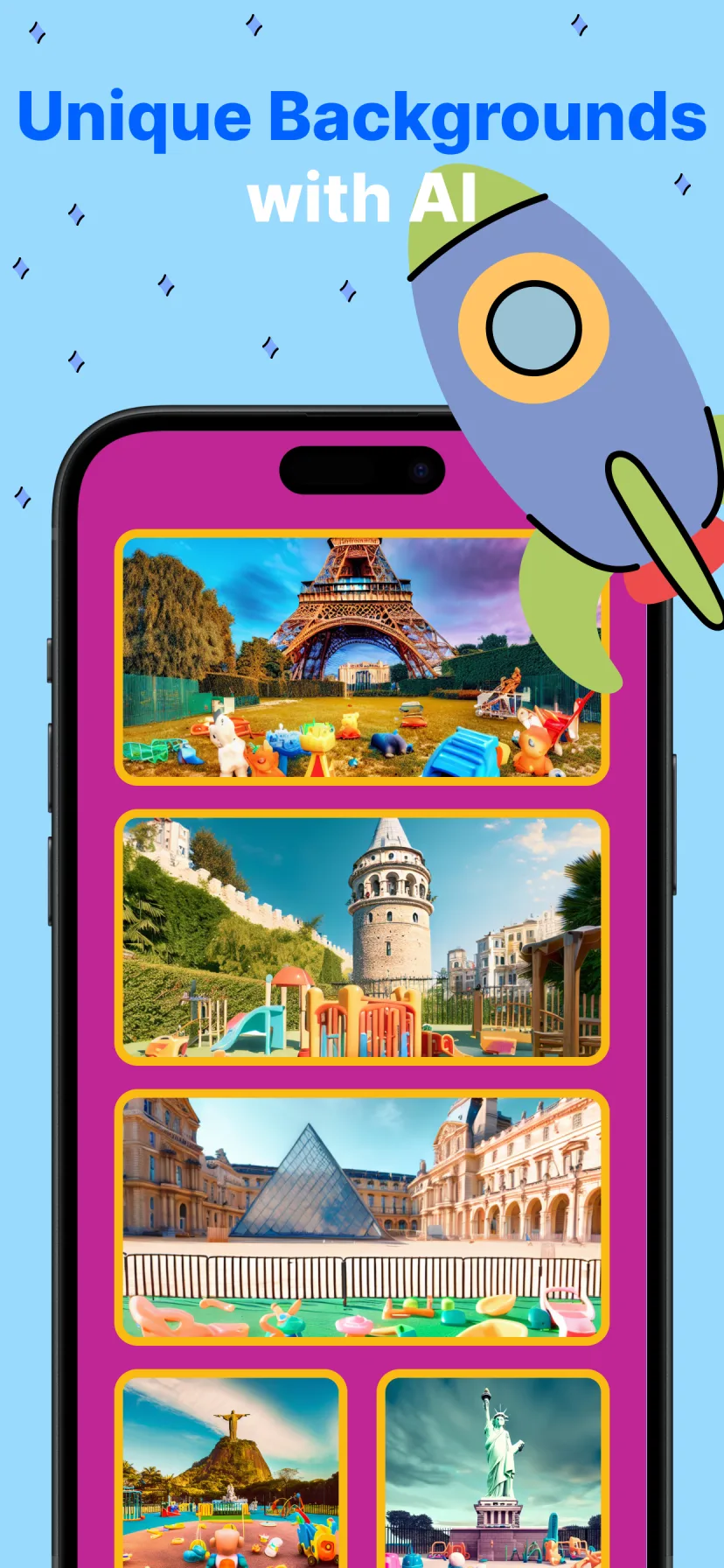
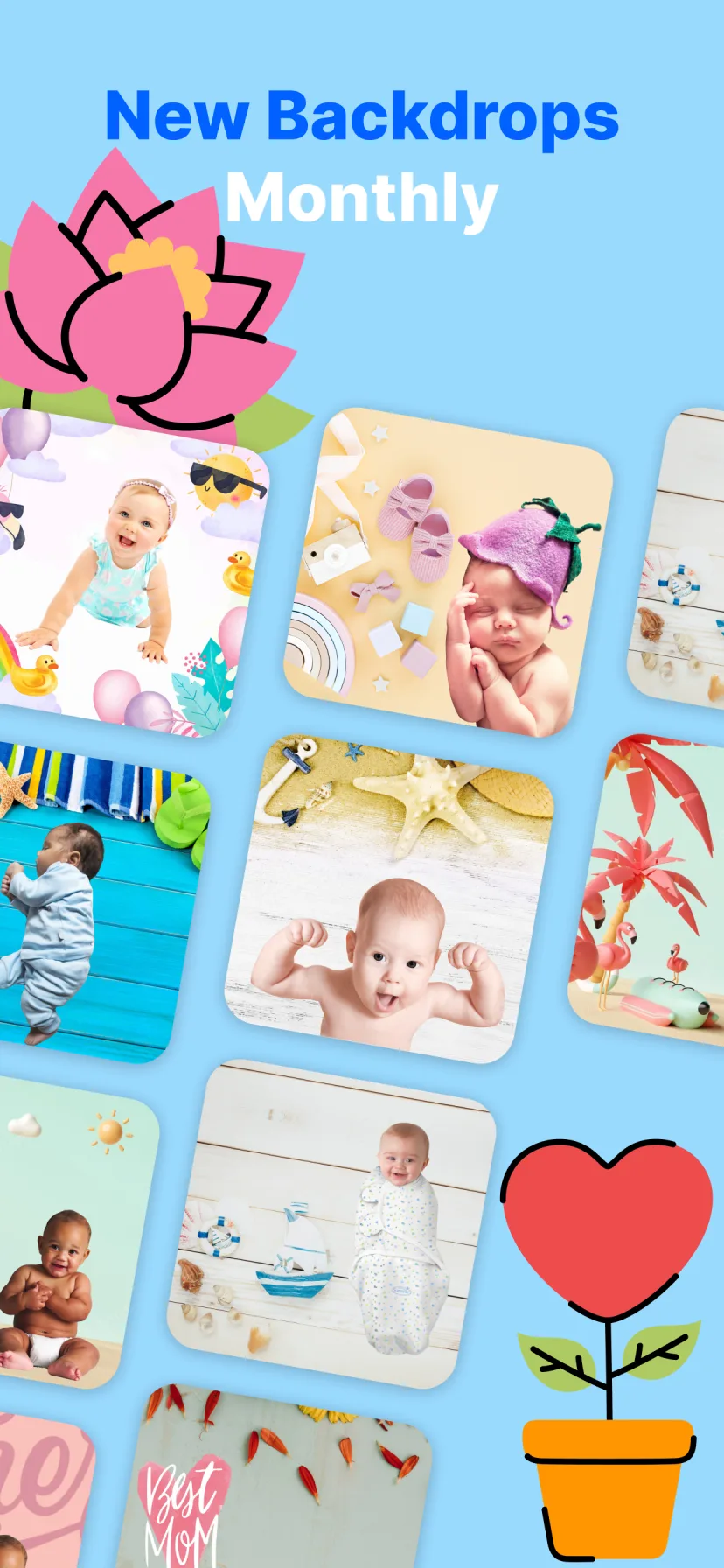
Newborn nests, boho wreaths, teddy bears, animals, world landmarks and seasonal scenes — with new backdrops every month.
Enchanting fonts, cute stickers and evite templates for pregnancy announcements and baby party invitations.
“I cancelled our $350 newborn shoot. Honestly? These came out better — and I made one for every single month.”
 Sarah M. · mom of two
 “My camera roll had 4,000 photos and nothing to show for it. Now the grandparents get a magical portrait every month.”
 Jasmine T.
 “The costume portraits look unreal — but it is still completely HER little face. I cried at the lion one.”
 Mei L.
 “Set a reminder every month. It takes me 30 seconds and the results look like a real studio.”
Emily R. · first-time mom “We used the announcement cards for our baby shower — everyone asked which photographer we used. 😄”
Dana K. Newborn shoots at home, monthly milestone ideas, announcement art — practical guides for the photos you actually want.
How to do a newborn photoshoot at home with just your iPhone — safe poses, lighting tips, and how to get studio-quality backdrops without props.
Read the guide →
Creative monthly baby photo ideas you can do at home — themes, backdrops and milestone cards for every month from newborn to first birthday.
Read the guide →
The complete guide to baby milestone photos — the moments worth capturing in year one and how to turn everyday phone pictures into milestone art.
Read the guide →
Beautiful pregnancy announcement photo ideas — no photographer needed. Create share-ready announcement art from a phone photo in minutes.
Read the guide →
Remove the background from baby photos cleanly — including wispy hair — and replace it with studio backdrops using AI. One tap, no Photoshop.
Read the guide →
15 baby photoshoot ideas you can do at home with a phone — for girls and boys, from 1 month to 1 year, plus the digital backdrop trick.
Read the guide →
Photograph your baby on a plain blanket near a window, then let Miracle’s AI place them into a professional newborn scene — cozy nests, baskets, floral wreaths — with matched lighting. No props or Photoshop skills needed.
Learn more →Yes — Miracle includes a full milestone system: matching monthly templates for months 1–12, number balloons, stickers and a growth tracker, so every month looks like part of one designed series.
Learn more →Open the photo in Miracle and pick any backdrop — Magic Cut removes the background automatically, preserving fine baby hair and soft edges, and replaces it in the same tap.
Learn more →Yes. Studio photos look professional because of the scene and styling, not the camera. Window light plus Miracle’s studio backdrops produce portraits parents regularly compare to paid shoots.
Learn more →Use a bump or sonogram photo with one of Miracle’s announcement templates — the AI adds the backdrop and you add the name and due date in beautiful typography. Share-ready in minutes.
Learn more →Over 100 designed scenes: newborn classics, boho, milestone sets, holidays like Christmas and Valentine’s, playful themes and AI landmark backgrounds — with new backdrops added monthly.
Learn more →Yes — Miracle is free to download and try on the App Store, with premium templates and HD exports available by subscription.
Yes. Your photos are processed securely, never shared, and never used to train AI. You stay in full control of what you create and export.

Download Miracle free and start capturing every month — in magic.
★ 4.5 on the App Store · free to download