Baby Photoshoot Ideas at Home (That Actually Work)
Pinterest makes home baby photoshoots look effortless. Then you try one, and it's 40 minutes of prop-wrangling for a crying baby and a blurry photo. The setups below are chosen for one quality: they work with a real baby's patience span, which is about ninety seconds.
Fast setups by age
Every idea here needs one blanket, one window, and under two minutes of staging:
- ✦ Sleeping angel (0–3 mo): swaddle + top-down shot during deep sleep
- ✦ Blanket color-pop (0–6 mo): solid bright blanket, baby centered, shot from above
- ✦ Laundry basket boat (5–8 mo): sitting baby in a basket, blue blanket "sea"
- ✦ Mirror play (6–12 mo): baby discovering their reflection
- ✦ Bookshelf scale (any age): baby next to a stack of books, repeated monthly
- ✦ Parent's hands frame (0–2 mo): tiny feet or face cradled in adult hands
- ✦ Bathtime bubbles (6+ mo, with a spotter): classic happy chaos
Themed shoots for girls and boys
Searches split into "ideas for girls" (florals, boho wreaths, ballerina pastels) and "for boys" (little sailor, teddy adventures, dinosaurs) — but the honest answer is that any theme works for any baby. The limiting factor is buying the stuff.
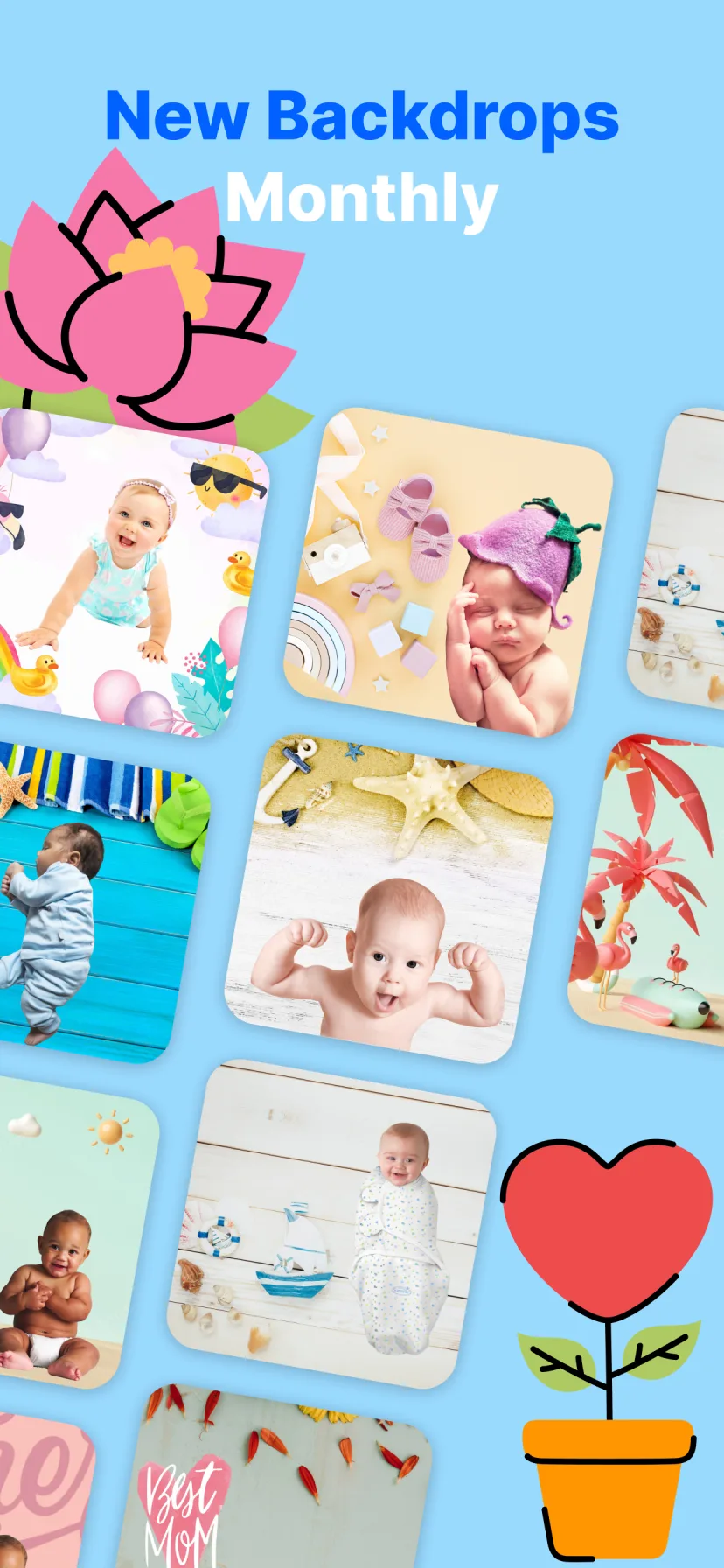
Digitally, there is no limiting factor. Miracle's template library covers boho, florals, teddy bears, animals, colors, mini beds and tubs, and seasonal worlds — you try five themes on the same photo and keep the ones that make you gasp.
The two-part method: real moment + digital scene
The technique running through this whole guide: photograph your baby simply and safely at home, then let AI put them in the elaborate scene. You get the studio look with none of the studio logistics — and the baby never has to cooperate with a prop.
How to do it with Miracle
- 1
Shoot on a plain blanket by the window
One clean, well-lit photo of your baby is the only raw material you need.
- 2
Browse themes in Miracle
100+ templates: boho, florals, teddy bear, animals, seasonal, landmarks and more.
- 3
Tap to transform
Magic Cut swaps your living room for the scene, with lighting that matches.
- 4
Make it a set
Apply different themes to the same photo for a whole "photoshoot" from one picture.
Free to download · 4.5★ on the App Store
Frequently asked questions
How do I take good baby photos at home with my phone?
Use window light, a plain blanket, get close, and shoot in burst mode during a calm moment. Style the photo afterwards with a baby photo editor instead of staging elaborate props.
What do I need for a baby photoshoot at home?
Minimum: a phone, a window, and a blanket. Backdrops, themes and decorations can all be added digitally afterwards.